Info Sec 3200 SQL Injection Lab Audit with Sol 6.1
While working through my Info Sec 3200 SQL injection and XSS project, I wanted to understand why the supplied application accepted certain inputs. With Codex, using GPT-6.1 Sol, I inspected a separate copy of the original VM image and traced the browser behavior back to its Java and JSP code.
The lab was intentionally vulnerable. The audit traced those vulnerabilities to specific code and uncovered unexpected destructive behavior in the signup method. When I brought up the findings with Professor Jinpeng Wei, he asked me to email him the details. I put this write-up together to document what I found and the evidence behind it.
Inspecting the disk offline
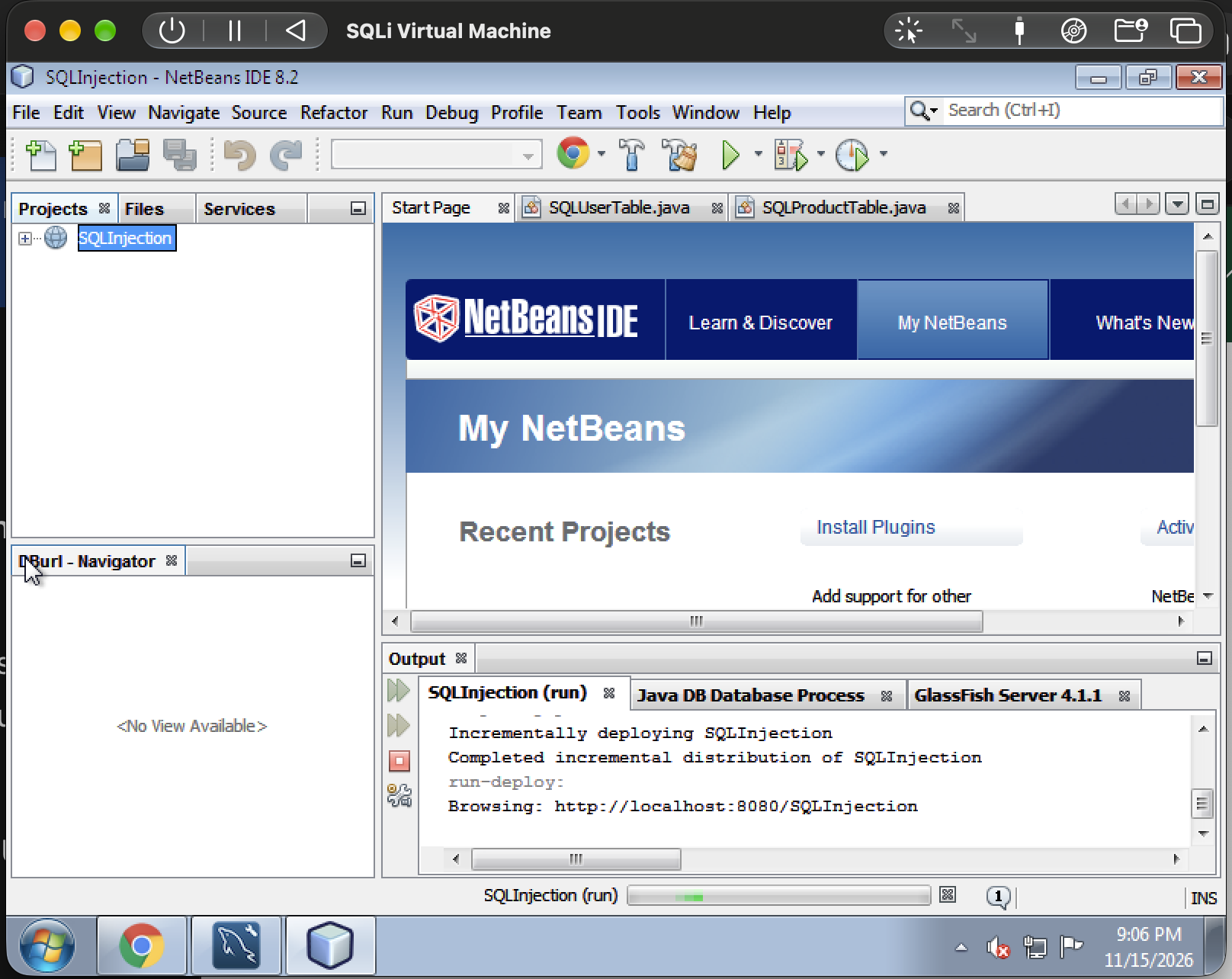
The application ran inside a Windows guest in UTM. NetBeans showed the project at C:\Users\test\Downloads\SQLInjection, with Java sources under web\WEB-INF\classes.
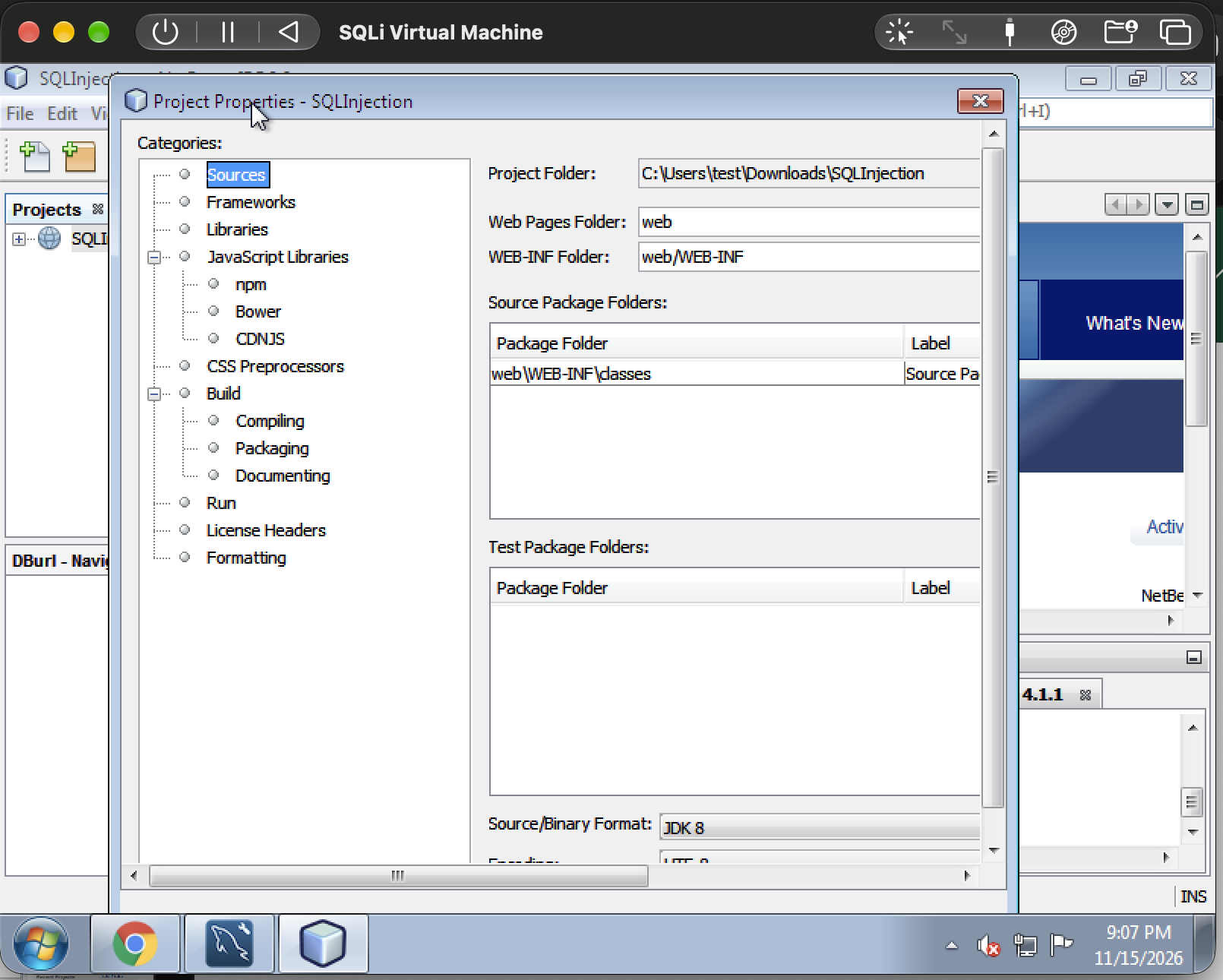
web, and Java sources under web\WEB-INF\classes.We extracted a separate QCOW2 disk from the original SQLi-UTM.tar.gz archive and read it with Dissect’s Python libraries. We didn’t boot that copy or mount it for writes, and my current VM stayed untouched.
The inspection recovered 54 project files. We recorded guest paths, sizes, and SHA-256 hashes, then examined the source alongside NTFS file records, Recycle Bin contents, and saved development artifacts. A portable extraction helper reproduced all 54 source-file hashes.
What the code revealed
The application enabled multiple SQL operations itself
The account-deletion method concatenated form inputs into SQL, then split the result at semicolons:
String [] statements = unsafeSQL.split(";");
It executed each piece separately. This explains how a request intended to delete one account could also insert an account, update passwords, or delete other records. Driver-level support for multiple statements in one call wasn’t needed to explain the behavior.
Evidence: SQLDATA/SQLUserTable.java, lines 181–192. The fix would be a single parameterized operation, account-ownership checks, and restricted database privileges.
Signup included an unconditional table deletion
The supplied Create_user method appended DROP TABLE users to its INSERT statement and passed both through the same split-and-execute pattern. Destructive SQL was built into this path even before considering malicious input.
Evidence: SQLDATA/SQLUserTable.java, lines 97–108. We identified this statically and did not execute signup during the inspection. Removing that appended operation would be the first correction to this method.
Stored XSS had a clear input-to-output path
The Add Product form passed a description into database insertion code. The application later loaded that value and printed it directly into Products.jsp without HTML escaping. That connected the stored input to browser execution.
Evidence: SQLDATA/SQLProductTable.java, lines 102–113, and Products.jsp:32. The fixes would include parameterized insertion and contextual HTML output encoding.
Database credentials and authentication assumptions were visible
The database classes embedded root credentials. Inspecting the original image’s MySQL grant tables confirmed that root@localhost had all 29 global privilege flags enabled. The older user@localhost account had no global privileges, but already had 18 database-level privileges on store, including INSERT, UPDATE, DELETE, and DROP.
That distinction matters: switching to root expanded potential impact beyond store; it wasn’t necessary for the demonstrated damage inside that database. These are archived on-disk grants, not a live query of my current VM. The retained logs didn’t establish why the source credentials changed. MySQL’s privilege model distinguishes global grants from database-specific grants.
Login also used a concatenated SELECT and accepted any returned row as success. The generic “User does not exist” response did not establish a separate username-existence check.
Evidence: SQLUserTable.java:27–29,224–248 and SQLProductTable.java:30–32. Restricted database access, parameterized queries, and proper password verification would address these source-level weaknesses.
What the leftovers added
Comments included XSS and stacked-SQL examples. The original Recycle Bin and MySQL Workbench tabs retained older source, schema statements, and sample inserts. Those artifacts helped reconstruct development history and compare implementations.
They didn’t establish an accidental answer leak. The assignment deliberately included database visibility and a restore function, and the files alone couldn’t tell us whether the other material was left intentionally.
The result
This was an offline source investigation, not a new round of attack testing. It explained specific lab behavior and flagged an unexpected signup path, with file locations and line references supporting each finding. We didn’t verify that the current VM’s compiled application exactly matched the archived source.
The most useful lesson was to follow an observed effect through the implementation, while keeping source evidence, runtime observations, and open questions separate.
Tools and scripts
Download the extraction toolkit · Python script · Setup and scope
The helper extracts source and hashes from an original archive or offline disk copy, with an optional NTFS inventory. It includes no VM or course source files.
Tools: Dissect Target (3.23.1), Dissect Hypervisor (3.19.0), Python sqlite3, and pypdf.